
Introducing Microsoft Power Apps
What is Microsoft Power Apps, what does it do, and why should I use it?
Power Apps is a no-code/low-code platform for building business applications. It's a core component of the Microsoft Power Platform - a suite that enables organisations to build solutions, automate processes, analyse data, and create AI agents.
The key feature of Power Apps is simplicity. It allows users with little to no traditional IT background to create apps and solutions. By reducing reliance on expensive developer resources, it enables businesses to build modern applications more affordably, leading to efficiency improvements of typically around 70%.
Power Apps is perfect for building applications that interact with data sources to retrieve, update, or modify records. The platform provides security, governance, and Application Lifecycle Management (ALM) tools to ensure that apps can adhere with corporate security standards and compliance regulations.
Here are some reasons why you should choose Power Apps:
How to Build Apps with Power Apps
Power Apps offers a range of application types that suits every skill level, from no-code citizen developers to full-code experienced developers.
App Builder / Vibe
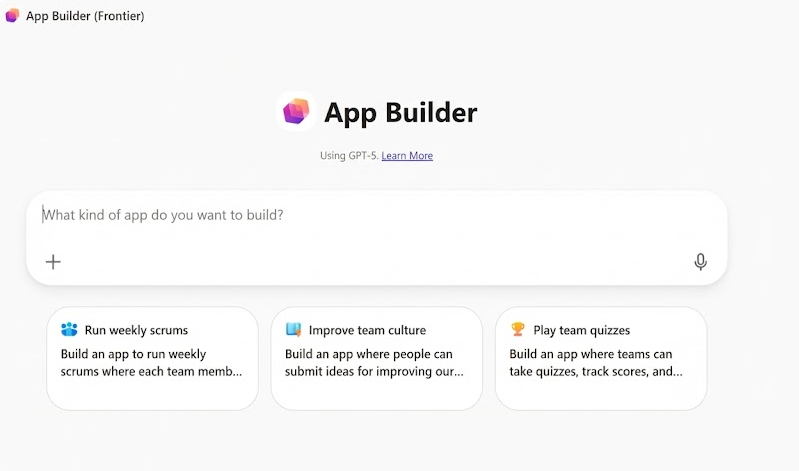
Build apps, solutions, and logic using natural language alone. Copilot generates application layouts instantly.
This tier focuses on rapid prototyping and AI-first patterns.
Model Driven Apps
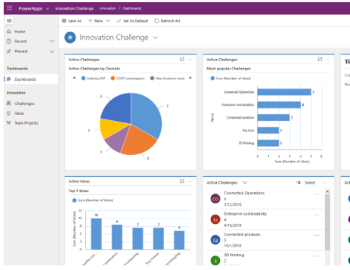
Design data-first applications using Dataverse. The platform dynamically generates a responsive UI.
Ideal for complex back-office processes with built-in charting and dashboards.
Canvas Apps
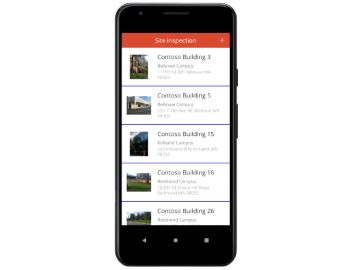
Create pixel-perfect interfaces for web and mobile. Use Power Fx for advanced logic.
Offers total creative control and connects to hundreds of enterprise data sources.
Code Apps
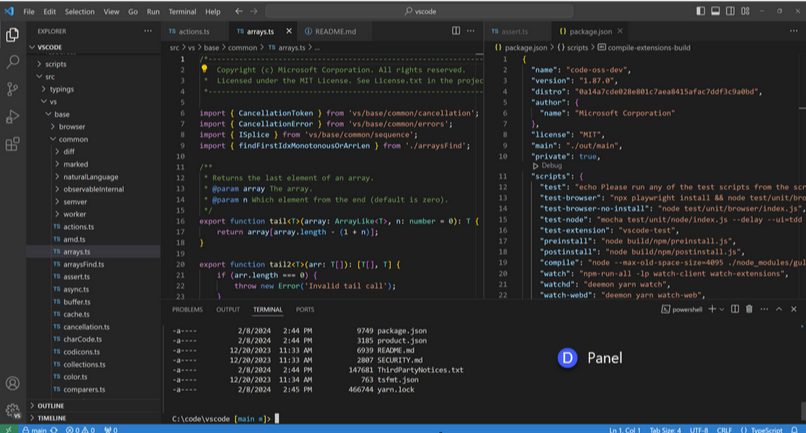
Use Visual Studio Code, TypeScript, HTML, and CSS to build completely customised apps.
Offers full customisation whilst leveraging the full power of the Power Apps platform.
Top Microsoft Resources
Whether you're a beginner or an experienced app builder, here are the top Microsft resources to help you on your journey.
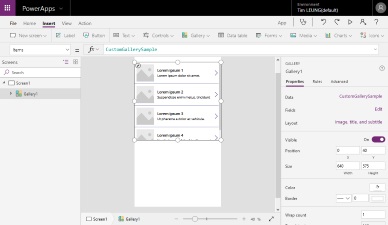
Power Apps Web Studio
Microsoft Power Apps Website
Documentation
Power Apps Forum
Learn more
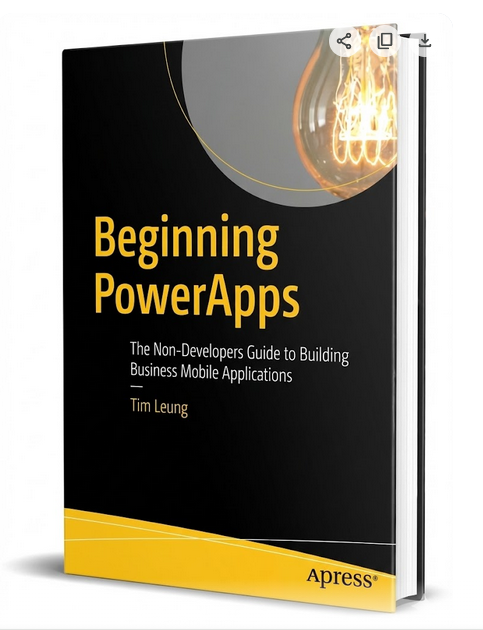
If you want to learn more, 'Beginning Power Apps' is a great resource. It's an easy to read book that covers all the important features of Power Apps. It covers the common problems that beginners often face, including how to use drop down controls, how to work with dates and times, and how to search data. It also includes examples of how to work with charts, cameras and GPS locations. Other important topics include chapters on app security, data import and export, and how to use formulas.
More experienced app builders can also find helpful content, including help on how to use Flow, custom data connectors, and how to work with data offline.
Buy from Amazon